Walk-to-dismiss alarm · iPhone
Wake up on purpose.
An alarm that only stops when you move. Walk, squat, or solve it, and start the day awake.
SCREEN 2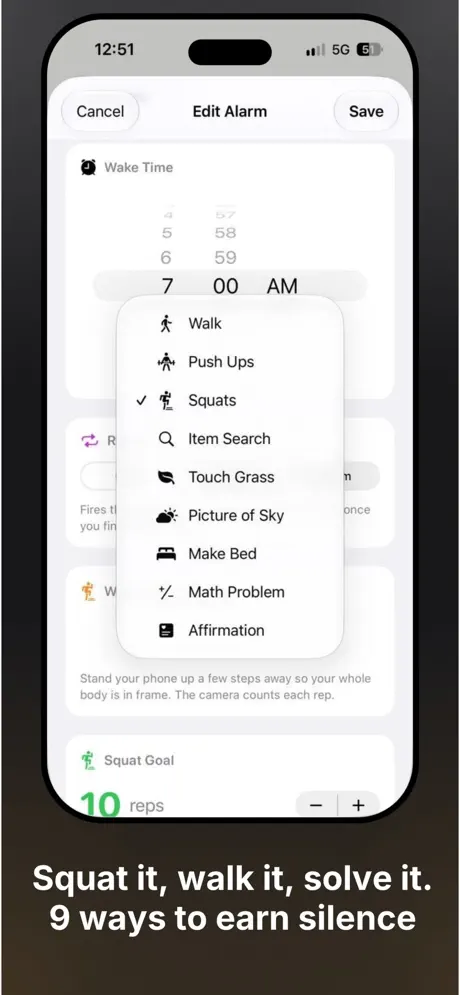
SCREEN 1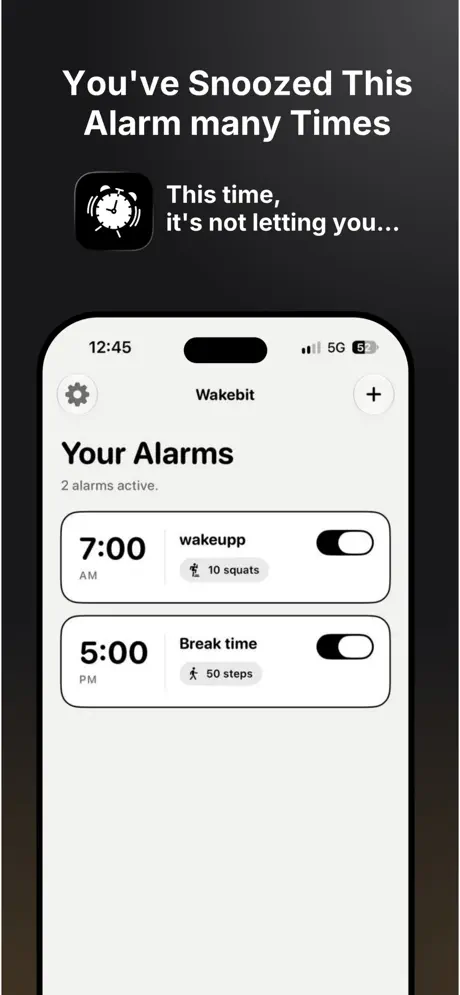
SCREEN 3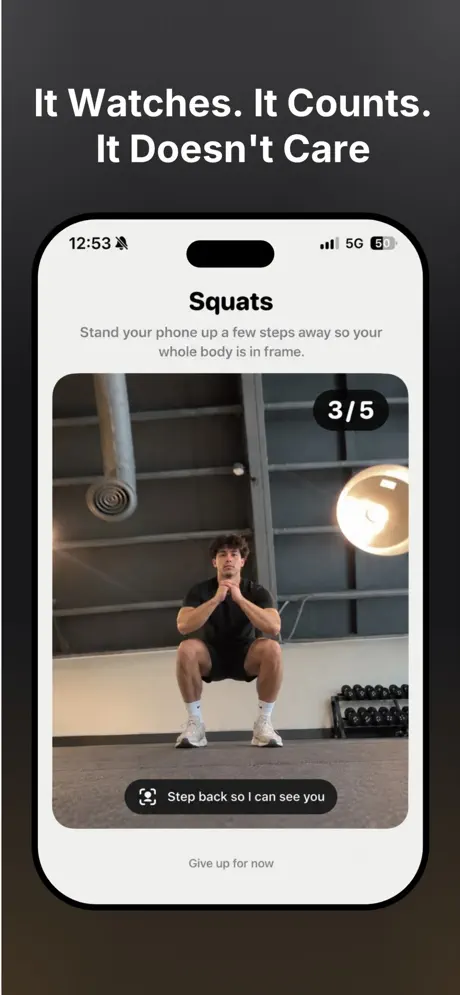
An alarm that only stops when you move. Walk, squat, or solve it, and start the day awake.
Three steps between you and a real wake-up.
Pick a time and choose how you earn your silence.
Hit your step goal, count reps, or finish the task.
The alarm stops. You are already awake.
Choose the one that fits your morning.
Steps are counted live by your iPhone. Squats and push ups are counted by the camera.
Hunt down an item, touch some grass, or snap a picture of the sky.
Make your bed or read an affirmation to set the tone for the day.
Solve a math problem to prove you are really up.
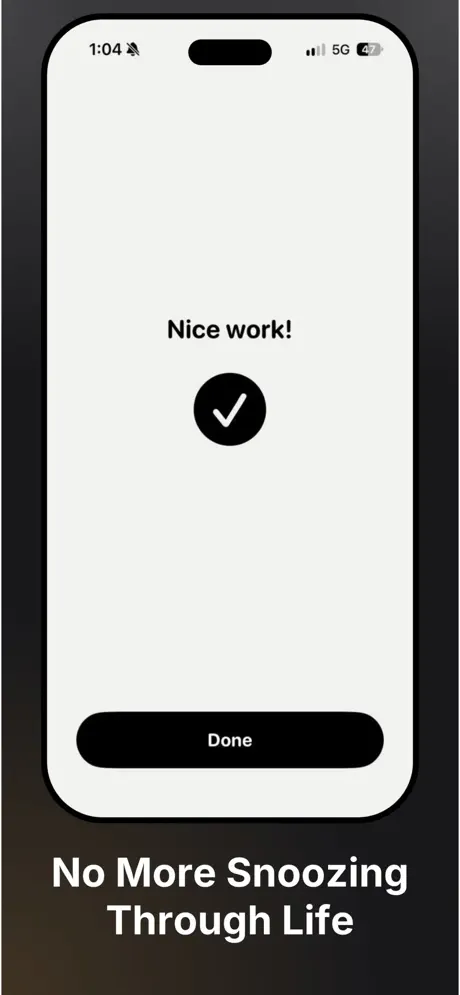
A look at Wakebit on iPhone.
Free on the App Store. Requires iOS 26 or later.
Download on the App Store